Definition Lists

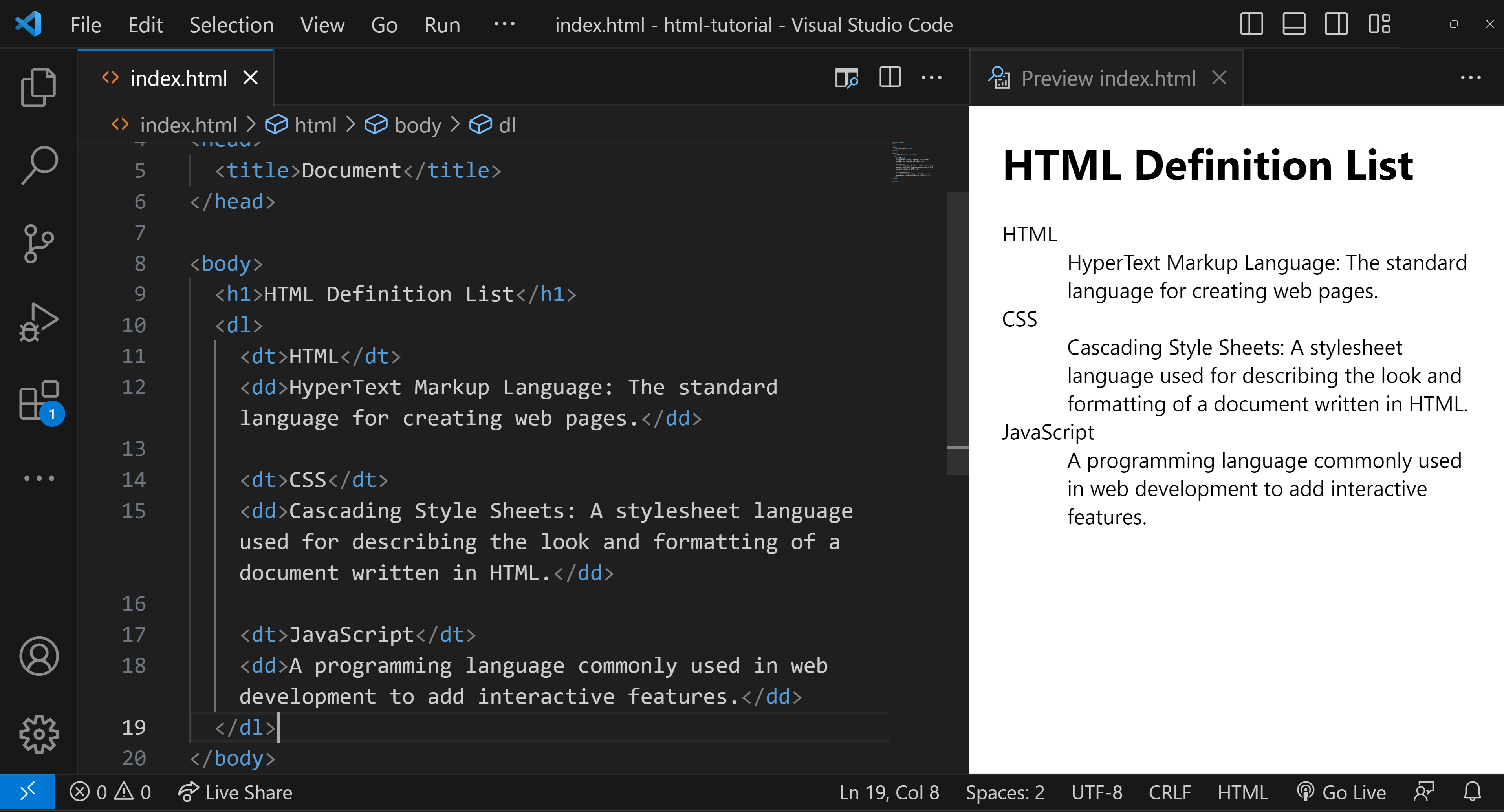
  •  A Definition List in HTML is used to represent a list of terms along with their corresponding descriptions or definitions. The Definition List is created using the <dl> (Definition List) element, which wraps around one or more pairs of <dt> (Definition Term) and <dd> (Definition Description) elements.

cwh tutorial image

Definition List Example

Here's a simple example to illustrate:

  <h1>HTML Definition List</h1>
  <dl>
    <dt>HTML</dt>
    <dd>HyperText Markup Language: The standard language for creating web pages.</dd>

    <dt>CSS</dt>
    <dd>Cascading Style Sheets: A stylesheet language used for describing the look and formatting of a document written in HTML.</dd>

    <dt>JavaScript</dt>
    <dd>A programming language commonly used in web development to add interactive features.</dd>
  </dl>

Understanding the example

In this example:

  • <dl> is the container for the list.
  • <dt> defines the terms that you want to explain.
  • <dd> contains the definitions or explanations for the terms.
Ordered List


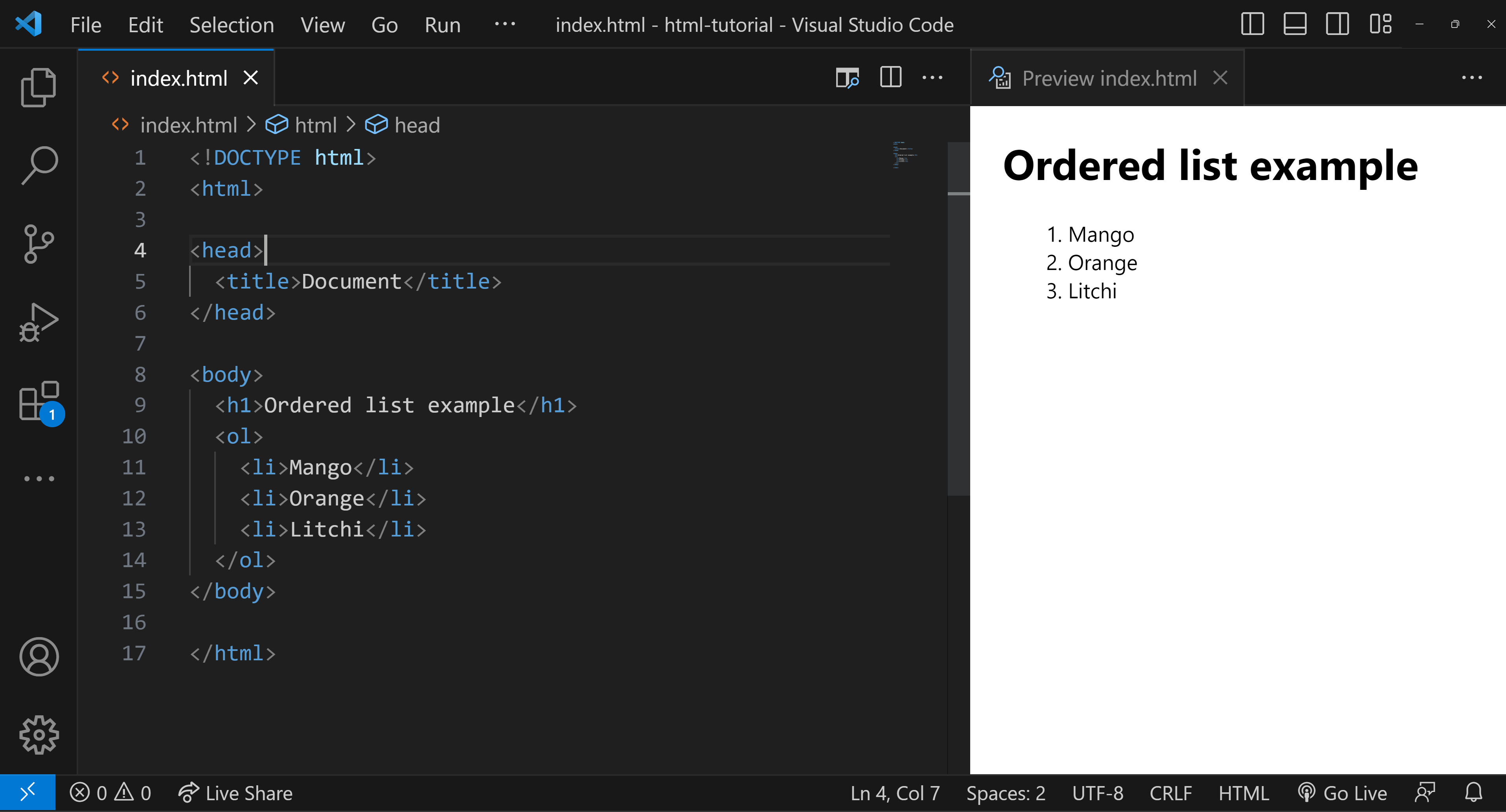
HTML Ordered List

  • An ordered list is used to create a list of items in a specific order, typically indicated by numbers.

Syntax

cwh tutorial image

Key Points

  • Ordered lists are used for items that follow a sequence.

  • They are created using the <ol> (Ordered List) tag.

  • The list items are enclosed within <li> (List Item) tags.

Basic Example

<ol>
  <li>Mango</li>
  <li>Orange</li>
  <li>Litchi</li>
</ol>

Output:

  1. Mango
  2. Orange
  3. Litchi

Setting the 'type' Attribute

The type attribute specifies the style of numbering. You have several options


  1. Uppercase Roman Numerals: Use type="I"
  2. Lowercase Roman Numerals: Use type="i"
  3. Arabic Numerals: Use type="1" (This is the default if the type the attribute is not specified)
  4. Lowercase Alphabetical Letters: Use type="a"
  5. Uppercase Alphabetical Letters: Use type="A"

Setting the 'start' Attribute

The start attribute specifies the starting number for the list.

<ol type="A" start="3">
  <li>Pen</li>
  <li>Pencil</li>
</ol>

Output:

  1. Pen
  2. Pencil

Unordered List


HTML Unordered List

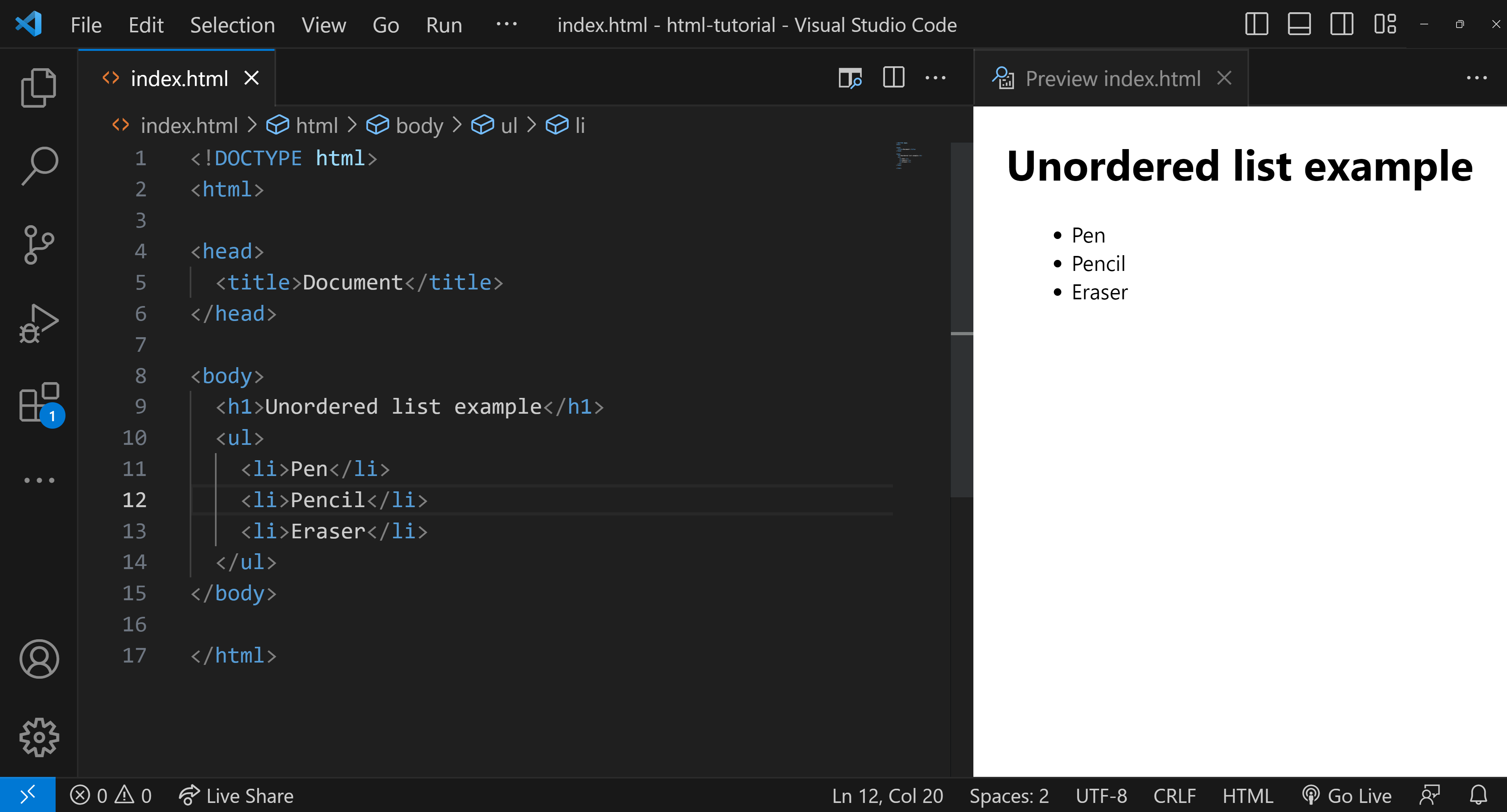
  • An unordered list is a list of items that are not arranged in any specific, sequential order. Unlike ordered lists, the items in an unordered list are typically marked with bullet points, dashes, or other symbols to indicate list membership, but these markers do not imply any particular order.

Syntax for Creating Unordered Lists

cwh tutorial image